How it works
From a finished job to money in the account.
Six steps, and you can stop after the third. This page walks the whole path twice: once for what you do, and once for what your customer sees while you do it.
Invoicing and reminders are free, always. Checking what an invoice is worth costs nothing. You only pay if you take the cash.
Dicopay's invoicing app is live in Sweden today. BankID onboarding and accounting exports described here apply to Sweden. Financing availability, pricing, and partners vary by country.
The walkthrough
Every step, in the order it happens.
Steps one to three are the free part, and plenty of businesses never go past them. Steps four to six only happen if you want the money before the due date.
You set up the account
In Sweden you sign in with BankID and it takes about a minute. There are no forms to post, no sales call, and no waiting for an approval email before you send your first invoice. No card is required at any point.
You write the invoice and send it
Add the line items, the quantities, the tax, and the due date, or pull the work straight from your logged hours. Contracts and e-signature live in the same app, so the agreement and the invoice stay together. It goes out by email or text message.
Your customer approves it on their phone
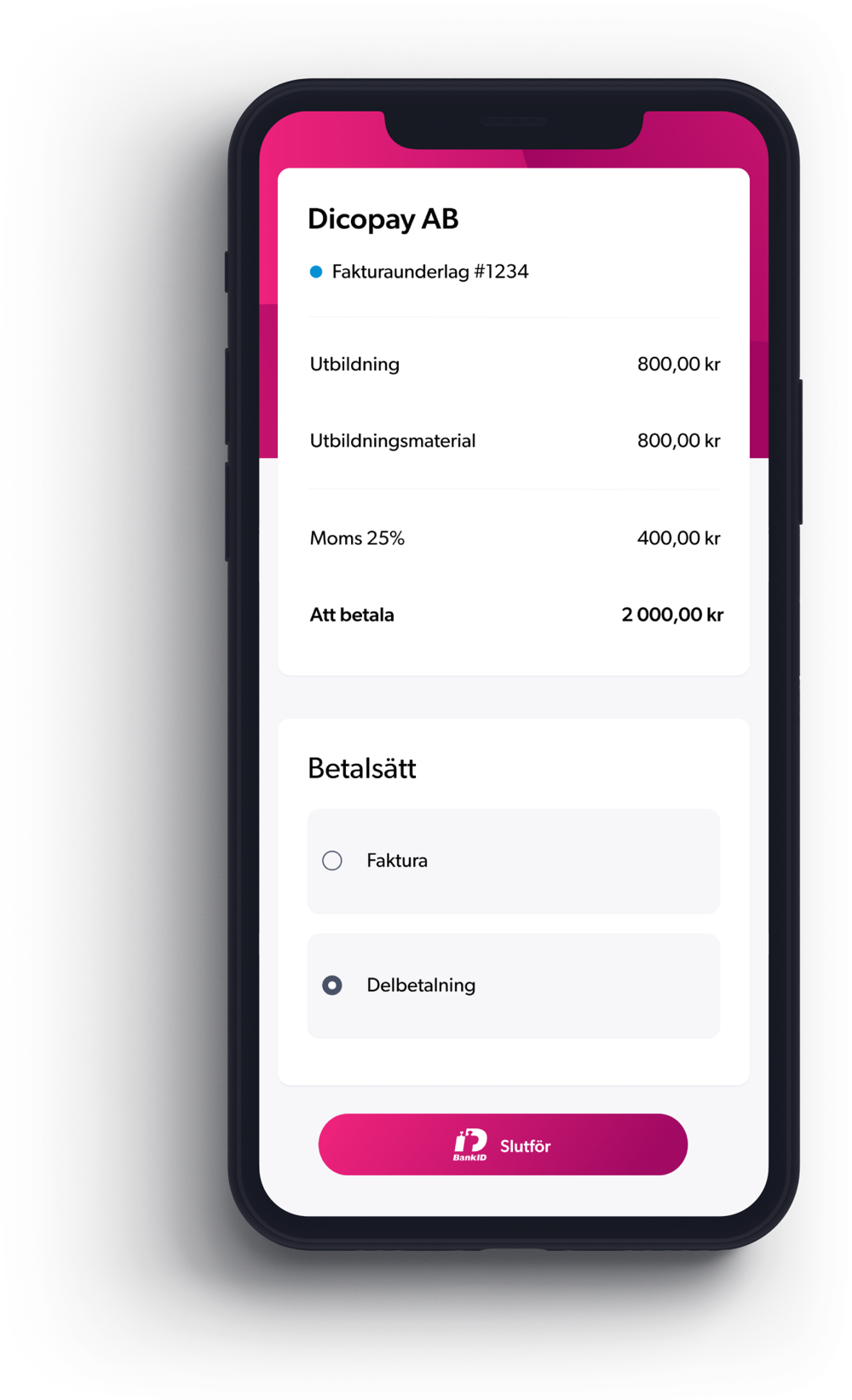
They open a link, read the invoice, and choose how to settle it: in full, on invoice up to 60 days, or in installments. They do not need an account, a password, or an app. From here the invoice has a status you can look up instead of a memory you have to trust.
The invoice is checked for a financing offer
Every invoice you issue to another business or a public body is checked with independent regulated lending partners. If an offer comes back, it sits next to the invoice with the cost written on it. Checking costs nothing, not all invoices qualify, and you never have to look at the offer again.
You take the cash, or you wait
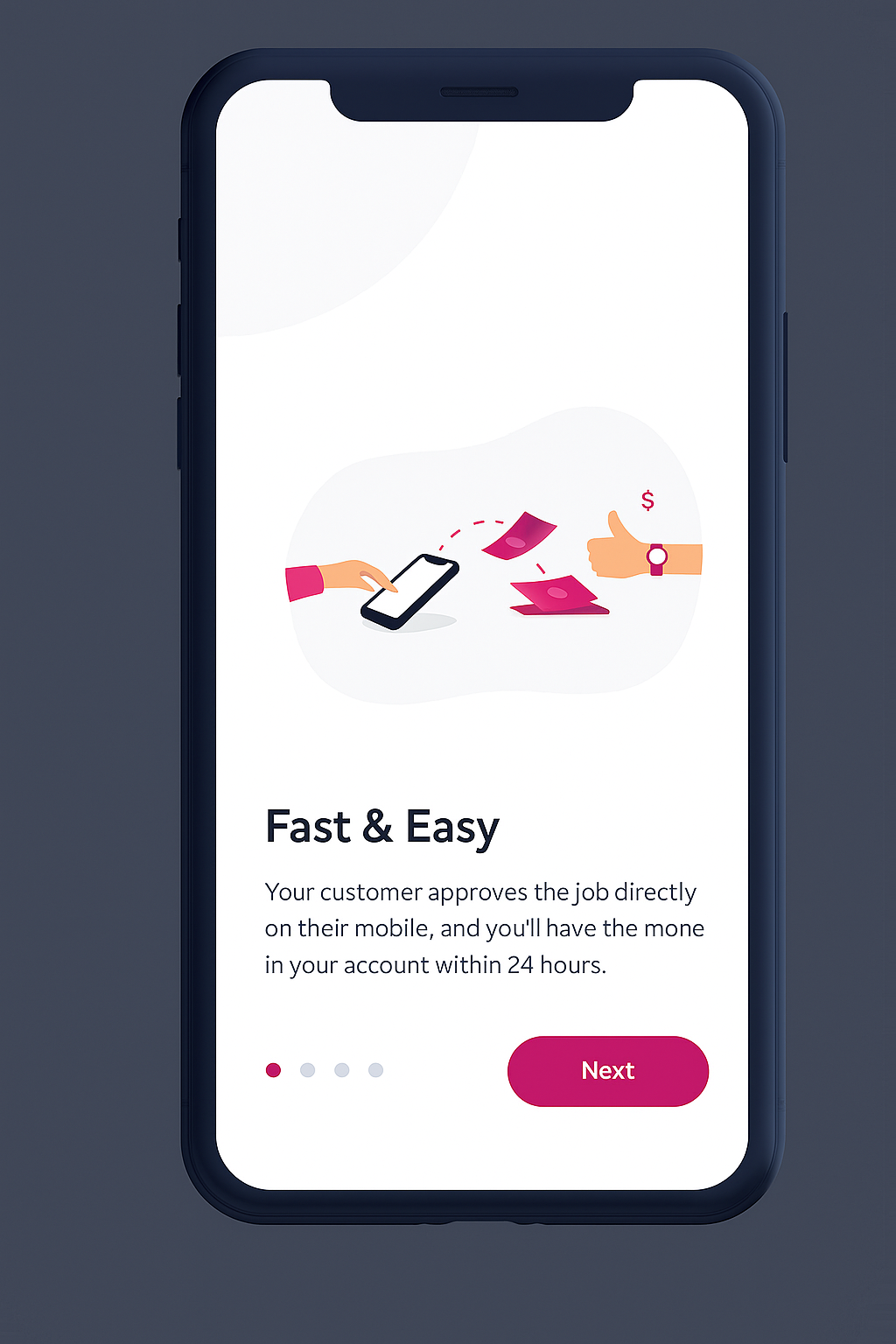
If you accept, the customer approves on their phone and the money is in your account within 24 hours. If you do nothing, the invoice runs to its due date like any other invoice and the reminders go out without you. Both are normal. Neither costs you anything extra.
The invoice gets chased until it is paid
Reminders go out before the due date and after it, each one carrying the payment link, and they come from Dicopay on your behalf. You stop being the person emailing your own customer at 9 p.m. about money you have already earned.
Your side
About a minute of work, then a status.
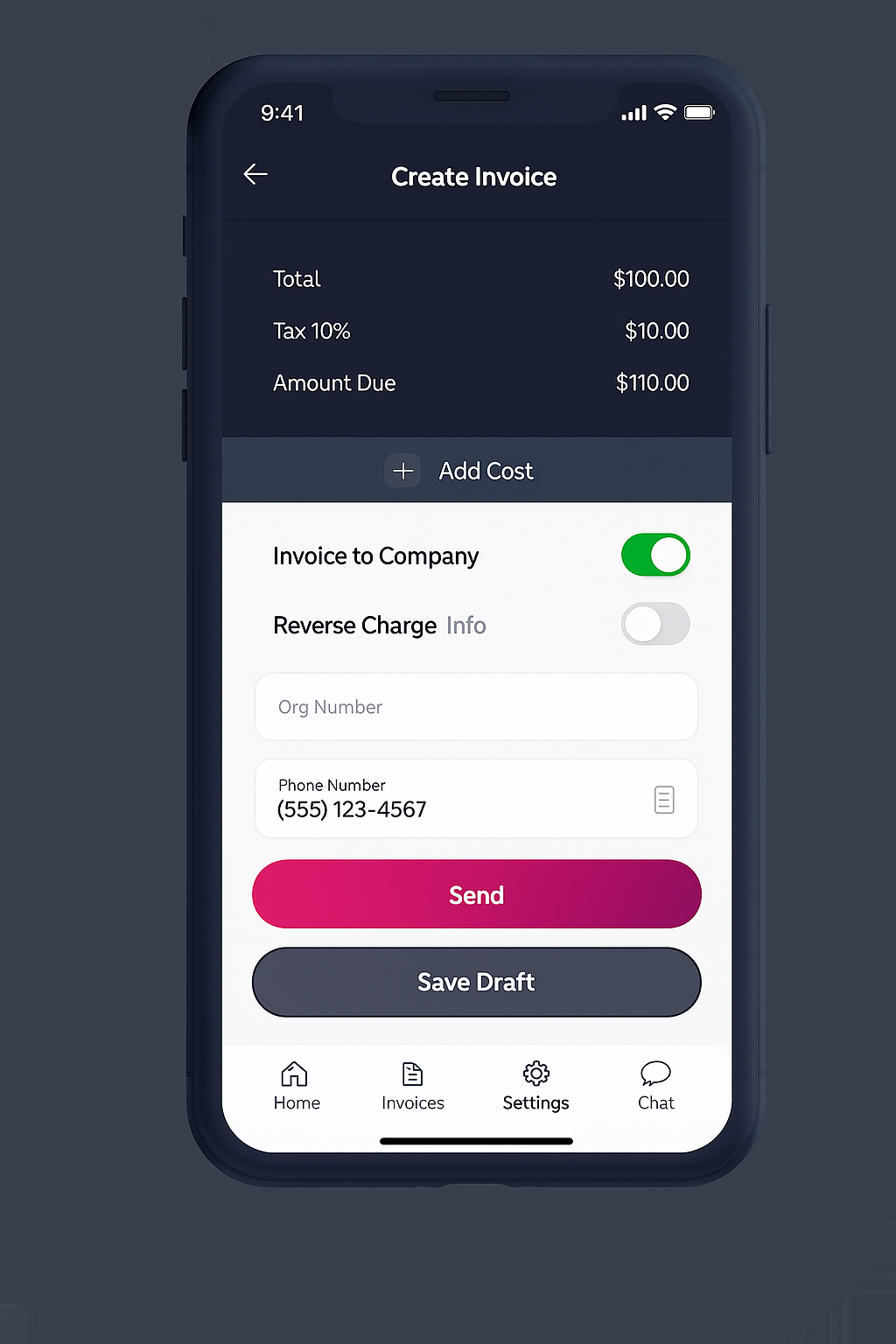
Writing an invoice in Dicopay is a phone job. Pick the customer, add the lines, send it. Tax and the total calculate as you go, so you are not doing arithmetic in a notes app on the drive home.
After that you are mostly reading, not working. The invoice tells you whether it has been opened, whether it has been approved, and whether the due date has passed.
Their side
A link, an invoice, and three ways to pay.
Your customer taps the link and sees the job written out. They pay in full, take terms up to 60 days, or split it into installments. There is no signup step and nothing to install, which is the point: the faster the invoice is understood, the sooner it stops being your problem.
If someone has sent you a Dicopay invoice and you want to know what it is, we wrote that up separately.
The same six steps, from both sides.
| Stage | What you do | What your customer sees |
|---|---|---|
| Setup | You open an account and start invoicing. In Sweden that is BankID and about a minute. | They see nothing. Your customer is not part of this step. |
| The invoice | You write the lines, add tax, set the due date, and send it. | A link arrives by email or text message with your name and your logo on the invoice. |
| Approval | You watch the status change. There is nothing to do here. | They read it and pick how to pay: in full, on invoice up to 60 days, or in installments. |
| The offer | You see whether the invoice has a financing offer, and you accept it or ignore it. | Nothing changes for them: same invoice, same due date, same terms. |
| Reminders | You do nothing. The reminders go out on their own, before and after the due date. | They get a reminder from Dicopay on your behalf, with the payment link in it. |
| Payment | You see the invoice settle, and your accountant gets the export. | They pay the way they chose, to the same place, on the date they agreed. |
Swipe the table sideways to see every column.
If you finance an invoice
What changes for your customer: nothing.
This is the question every business asks before they take an advance, so here is the plain answer. Your customer is not told to pay someone else, is not asked to sign anything new, and does not hear from a collections firm.
Same invoice, same due date
They keep the invoice you already sent, with the terms you agreed and the date on it. Nothing is reissued, canceled, or rewritten after the fact.
Same ways to pay
They can still pay in full, take up to 60 days on invoice, or split the amount into installments. Their choice is unaffected by what you decided to do with the invoice.
Same reminders, same sender
Reminders keep coming from Dicopay on your behalf, before the due date and after it, exactly as they would if you had never taken an advance.
Dicopay is not a lender.
Financing is provided by independent regulated lending partners. They decide eligibility, they set the pricing, and they write the terms, and all of it is disclosed to you before you accept anything. Dicopay is paid a referral fee by the partner when a deal funds, which is how the invoicing stays free.
What happens if your customer never pays is on the offer before you sign it, not after. Under a recourse arrangement you repay the advance. Where an offer is non-recourse, the partner carries that risk instead. Read which one you are being offered.
While you wait
One screen tells you where the money is.
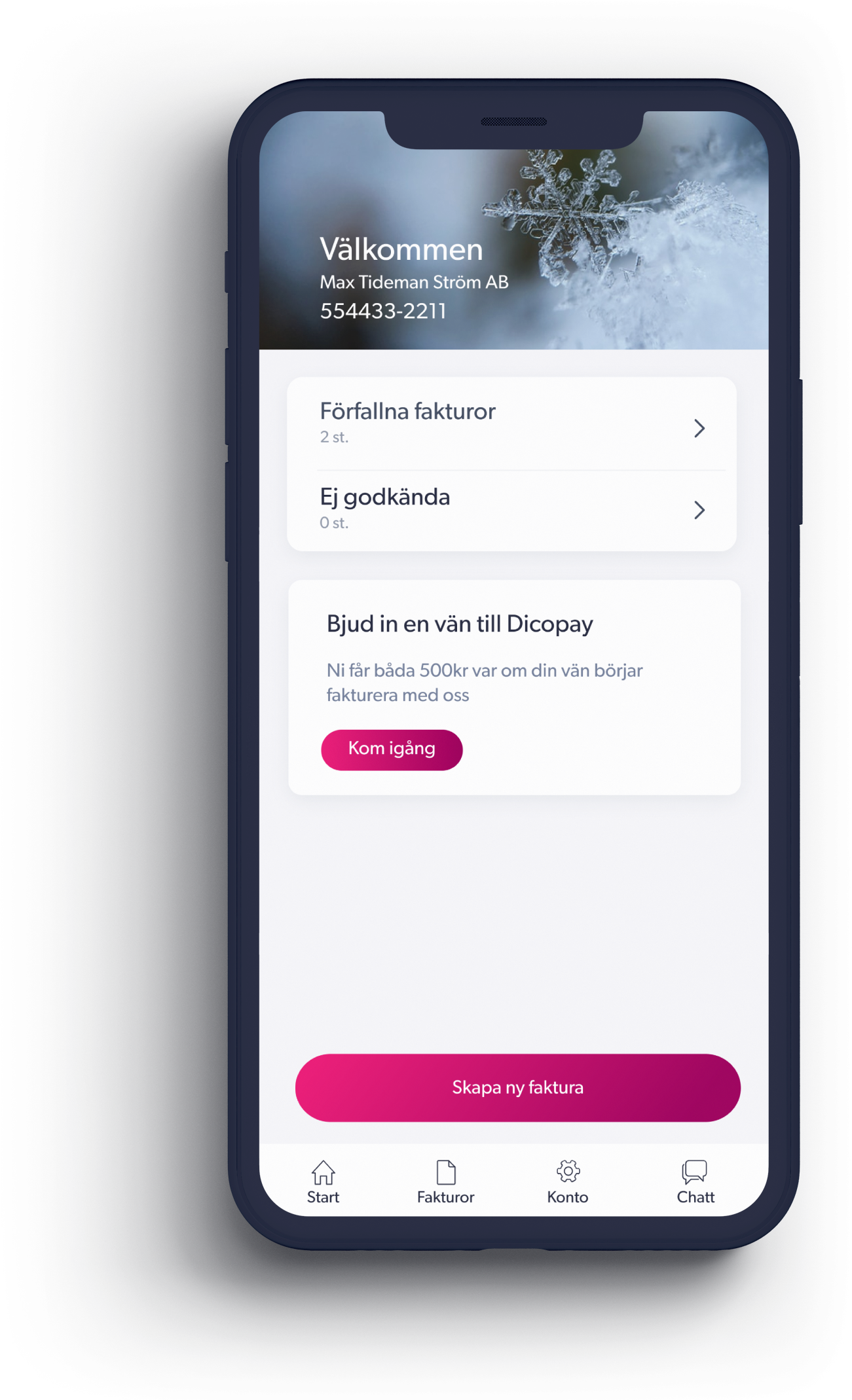
A US invoice takes 28.8 to 29.3 days of payment terms plus 8.5 to 9 days of lateness, so 37 to 38 days in total. That is a Dicopay calculation from Xero Small Business Insights US, 2026. For that whole stretch, the dashboard shows you what has been approved, what is still waiting, and what is now overdue.
In Sweden, the same data exports to Visma, Bokio, Hogia, and SpeedLedger, so your accountant works in the file they already know and you are not rekeying invoices into a spreadsheet at the end of the quarter.
Getting started
Step one is shorter than reading this page.
Onboarding in Sweden uses BankID and takes about a minute. You add your business details once, and the next screen is an empty invoice. 3,000 Swedish businesses have onboarded to Dicopay since launch: tradespeople, clinics, shops, one-person operations, and small crews.
If your work looks like theirs, the industry pages go through the specific timing problem in each trade.
FAQ
When a step does not go to plan.
The steps above describe an invoice that behaves. Here is what the process does when one of them does not.
What if my customer pays late?
The reminders carry on. One goes out before the due date, while the invoice is still current, and more follow after it, each with the payment link in it. They come from Dicopay on your behalf, so you are not the one writing a second polite email about your own money.
What if my customer never pays at all?
If you took an advance, the answer is written on the offer before you accept it. Under a recourse arrangement, you repay the advance if your customer does not pay. Where an offer is non-recourse, the funding partner carries that risk instead. If you did not take an advance, the invoice stays yours and the reminders keep running.
What if no financing offer comes back?
Then nothing happens and you are charged nothing. Not all invoices qualify, and eligibility is decided by the funding partner rather than by Dicopay. The invoice is still sent, still chased, and still free.
What if I never want financing at all?
Ignore every offer for as long as you use Dicopay. Invoices, contracts, e-signature, time reporting, and reminders cost nothing with no card and no monthly fee, and that does not change if you decline forever.
What if I invoice consumers rather than businesses?
You can still send and chase those invoices for free. Financing applies to invoices issued to another business or a public body, so a consumer invoice will not come back with an offer.
What if my customer will not use an app?
They do not have to. There is no account to create, no password, and nothing to install. The invoice opens from a link in an email or a text message, and paying happens from that page.
Easy invoicing, fast cash.
Send an invoice for free and see what it is worth today. If the number is not worth it, close the tab and keep the free invoicing.
Start invoicing for free No card. No subscription. No obligation to accept an offer.